
What is SketchUp 3D Warehouse and how is it used?
SketchUp 3D Warehouse is the official online library for reusable SketchUp models, components, and materials. You can search it on the web or through supported SketchUp workflows, then preview a listing before downloading or adding the asset to a project.
The practical workflow is simple: search for a specific object, inspect the creator and file details, choose a compatible SKP version, and test the model in a blank file before production use. Many listings are free to download, but free access does not make every model identical in quality or rights.
Keep the listing URL and creator information when a model matters to a project. For the application itself, return to the SketchUp download page rather than treating a 3D Warehouse asset as the SketchUp installer.
How to use and download a model from 3D Warehouse
Open the official library, search for a specific object, and use filters or collections to narrow the results. A query such as bathroom sink, split air conditioner, door handle, king bed, or wall tile is more useful than a broad word such as interior. Open the listing and inspect its preview, creator, description, geometry, file version, and download options.
When the model is ready, sign in if the service asks, choose a SketchUp version that your workflow can open, and use the offered download or add-to-model action. If the SKP file is newer than your desktop release, select an older compatible option when available or test it in a supported current release.
- Search with the object, style, room, or manufacturer name.
- Check the preview, creator, file version, and statistics.
- Choose a compatible SKP file before importing.
- Read the listing terms before commercial redistribution.
Choose models that will not slow SketchUp down
A detailed 3D Warehouse model can contain excessive geometry, large textures, and deeply nested components. One heavy chair may be manageable, but dozens of high-poly assets can make orbiting, saving, and rendering slow. Review polygon or edge information when available and test the asset in an empty SketchUp file.
Use components for repeated objects, purge unused materials and components, and replace distant decoration with simpler proxies. Keep the original download and create an optimized project copy so later edits can be traced back to the source.
- Check geometry and texture size before importing.
- Test unfamiliar assets in a blank SketchUp file.
- Use components for repeated objects.
- Purge unused content after evaluating the asset.
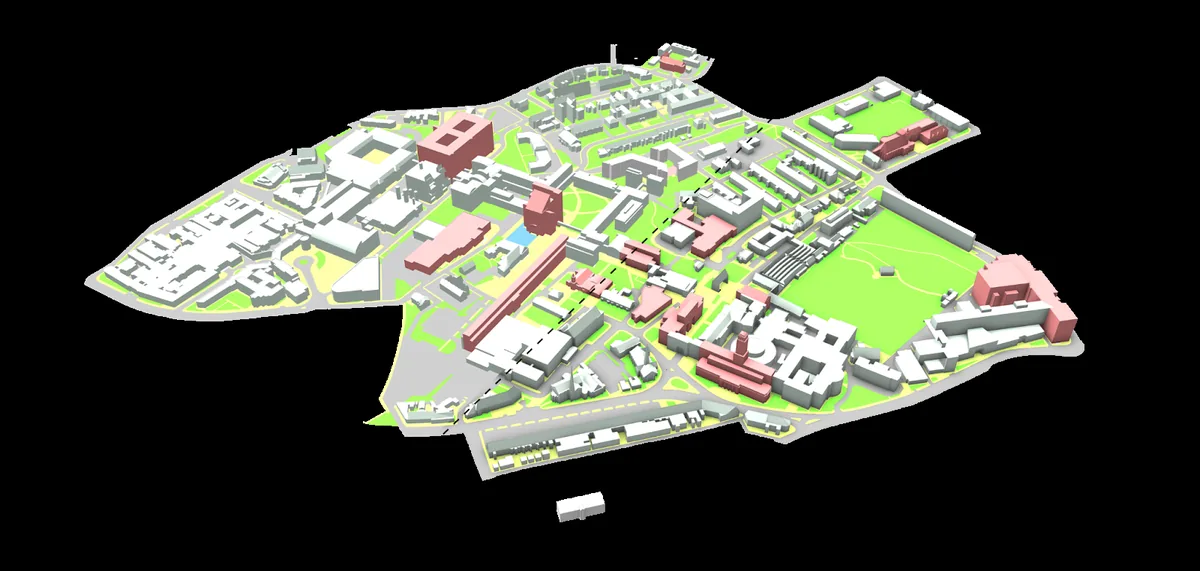
Search examples for furniture, bathrooms, and materials
Furniture and interior searches work best when the query combines the object, dimensions, style, or manufacturer. Useful examples include door 3D Warehouse, bed 3D Warehouse, sofa 3D Warehouse, mirror 3D Warehouse, and wall light 3D Warehouse. Add a room or product detail when the results are too broad.
For materials, check whether the listing contains a tileable texture, a modeled sample, or a complete component. A modeled tile wall can be much heavier than a correctly scaled material texture. Check physical dimensions and texture scale after import, especially for ceramic tile, glass, bronze mirror, and flooring patterns.
Use natural search variants such as 3D Warehouse SketchUp or SketchUp Warehouse in supporting copy, but keep the page focused on the same official model-library intent rather than turning it into a plugin or competitor directory.
- Add dimensions or a manufacturer name to product searches.
- Distinguish a material texture from a modeled component.
- Check units and real-world scale after import.
- Save useful assets into a curated local component library.
3D Warehouse licensing, sources, and safe use
3D Warehouse hosts content from SketchUp, manufacturers, and community contributors. A download button does not transfer ownership of trademarks, product photography, design rights, or other third-party rights. Review the listing context and current 3D Warehouse terms before using an asset in commercial marketing, a product catalog, or a redistributed model pack.
Do not re-upload a creator's model as your own or sell a bundle simply because individual downloads were free. Keep the source listing URL, creator, download date, and compatible SketchUp version in a project note when provenance matters.
If a listing redirects you to an unrelated executable, cracked installer, or password-protected archive, stop. Normal model workflows should use the official listing and a standard SKP or supported asset format, not an unrelated program.
- Keep the source listing URL for project records.
- Do not claim authorship of downloaded community models.
- Verify manufacturer dimensions separately for specification work.
- Read current terms before redistribution or commercial use.
3D Warehouse model quality checklist
Review these signals before adding a download to a production model.
| Check | Why it matters | Good sign | Warning sign |
|---|---|---|---|
| Creator | Source and accountability | Manufacturer or established profile | No description or copied uploads |
| File version | Can your SketchUp release open it? | Compatible download option | Only a newer unsupported format |
| Geometry | Viewport and file performance | Appropriate detail for use | Excessive edges for a small object |
| Textures | Memory, rendering and appearance | Scaled and optimized images | Huge or missing texture files |
| Dimensions | Design accuracy | Units and size are documented | Unknown scale |
| Rights | Legal reuse and redistribution | Clear listing and source context | Repackaged asset with no provenance |
SketchUp 3D Warehouse FAQ
Is SketchUp 3D Warehouse free?
Many models are available without a separate charge, but account requirements, listing terms, and third-party rights still apply.
How do I use 3D Warehouse in SketchUp?
Search the official library, preview a model, choose a compatible version, and use the listing's add-to-model or download workflow. Test unfamiliar assets in a blank file first.
How do I download a model from 3D Warehouse?
Open the official site, search for an asset, inspect its listing, and choose a compatible download option. Sign in if requested.
Can I edit a downloaded Warehouse model?
You can edit a model when the file opens in your SketchUp version and the listing terms allow your intended use. Preserve the original and work on a project copy.
Why will a Warehouse model not open?
The file may have been saved in a newer SketchUp version or contain an incompatible element. Choose a compatible listing version or test it in a supported current release.
How do I find lightweight SketchUp models?
Inspect geometry, texture size, nested components, and file statistics. Preview the model in a blank file and prefer detail appropriate to its viewing distance.
Can I download SketchUp materials from 3D Warehouse?
Some listings provide material samples, textures, or complete components. Confirm which asset type you need and check its scale after import.
Can I use Warehouse models commercially?
Usage depends on the current 3D Warehouse terms, listing context, and third-party rights. Free download does not automatically mean unrestricted resale or redistribution.
Official sources checked
We verify download and support details against first-party SketchUp and Trimble pages. External sources open in a new tab.
- SketchUp 3D Warehouse — official model library
- 3D Warehouse Help — official service guidance
- 3D Warehouse Terms of Use — current usage terms