
Quick answer: is SketchUp available for Mac?
Yes. SketchUp has a supported desktop installer for compatible Macs, and the current official download route checked on August 11, 2026 points to the 2026.2.242-76 DMG on download.sketchup.com. The Mac-specific question is not only whether the file downloads: you also need a supported macOS release, enough unified or system memory, a graphics path that meets the current requirements and an account entitlement for desktop use.
For a new Mac, Apple silicon is the safer long-term choice because current models combine the CPU and GPU in a modern memory architecture. Supported Intel Macs can still be useful when their macOS and graphics hardware meet SketchUp's requirements. If you only need personal browser modeling, compare this desktop route with SketchUp Free for Web; if you need a broader current installer comparison, see the SketchUp 2026 download guide.
SketchUp 2026 for Mac system requirements
The official requirements page is the authority for supported operating systems. The current page lists macOS 26 (Tahoe), macOS 15 (Sequoia) and macOS 14 or later in its Mac support table. Check the exact maintenance release on the official page before installing because operating-system support can change with a SketchUp maintenance update.
SketchUp's listed Mac baseline includes a 2.1 GHz or faster processor, an Apple M1 or newer current-generation processor, at least 8 GB of RAM and about 6 GB of available storage. The 8 GB figure is a support floor, not a promise of comfortable performance with large architectural models, high-resolution textures, LayOut, browser collaboration and a renderer open at the same time. For regular study or professional work, 16 GB is a more useful target; 24–32 GB gives extra headroom when the Mac cannot be upgraded later.
- Check the exact macOS version against the current official requirements page.
- Keep at least 6 GB free for the application and additional room for models, caches and updates.
- Use a Mac graphics path that supports Metal 2; older unsupported GPUs are not repaired by reinstalling the DMG.
- Treat 8 GB as the official floor and 16 GB as the more practical everyday target.
Apple silicon vs Intel Mac for SketchUp
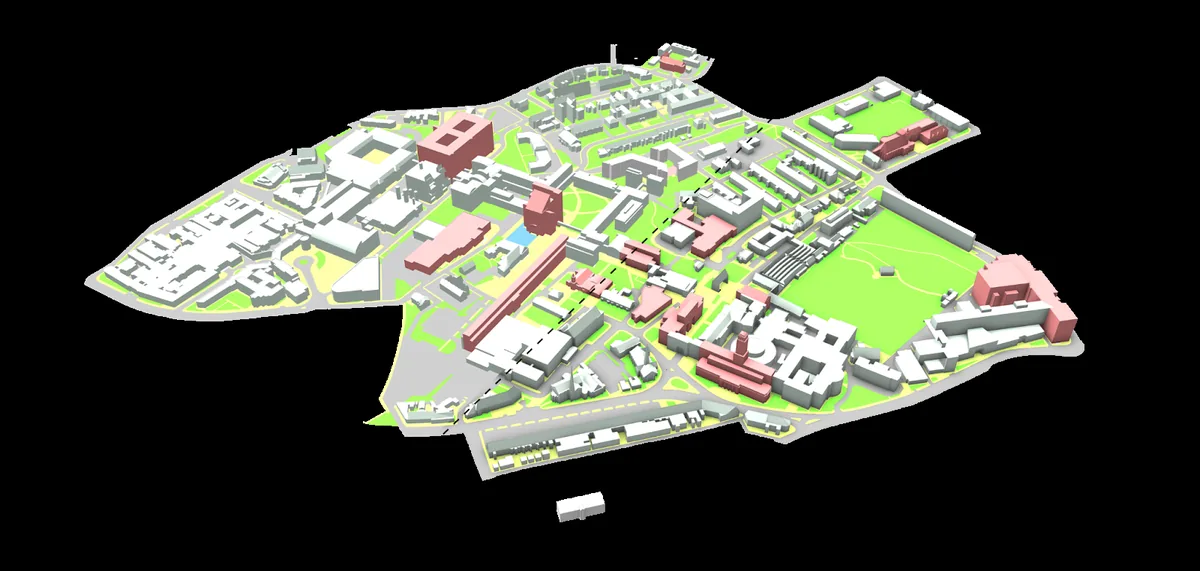
Apple silicon is usually the better choice when buying a Mac for a new SketchUp workflow. M-series Macs offer modern integrated graphics and unified memory, while the exact result still depends on memory size, model complexity, texture resolution and the extensions you use. A base Apple silicon Mac can be a sensible learning and light-modeling machine, but large files and rendering benefit from more memory.
Intel Macs are not automatically unusable. Keep one when its macOS release, GPU and drivers remain on SketchUp's supported list and the workflow has been tested with the extensions, templates and import/export formats that matter to you. Do not judge only by the processor name: a supported Intel Mac with a clean model can feel better than a newer machine overwhelmed by imported CAD geometry and oversized textures.
- Prefer Apple silicon for a new purchase when the budget and memory configuration fit the project.
- Choose 16 GB or more when SketchUp will share memory with LayOut, a browser, textures or a renderer.
- Keep a tested project copy before changing from Intel to Apple silicon or changing macOS versions.
- Verify renderer and extension support rather than assuming every plugin behaves the same on every Mac.
How to download and install SketchUp on Mac
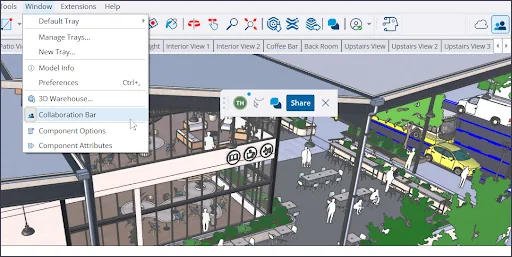
Start from the verified DMG button above or the official SketchUp Help download page. The file checked for this guide is SketchUp-2026-2-242-76.dmg, returned HTTP 200 from download.sketchup.com with a response size of 1,493,353,715 bytes. File size is supporting evidence rather than a permanent checksum: SketchUp can replace a maintenance build, so recheck the official page when the filename changes.
After the DMG finishes, open it and follow the normal macOS installation flow. If macOS asks for permission, use the standard security and privacy controls and confirm the source is download.sketchup.com. Do not replace a blocked or damaged package with a repacked archive from a torrent, file locker or “crack” page. Launch SketchUp once, sign in with the Trimble ID connected to your trial, subscription or education access, and open a small model before moving extensions or production files.
- Check the final URL and filename before opening the DMG.
- Drag or install the application using the normal macOS flow; do not run an unknown patcher.
- Sign in only through the expected SketchUp or Trimble account flow.
- Test opening, saving and exporting a copy of a real SKP file before migrating a whole library.
Is SketchUp free on Mac?
The Mac DMG is an installer, not a permanent free Pro license. Desktop access depends on the current subscription, trial or education entitlement associated with your Trimble account. If your goal is personal modeling without installing a desktop app, SketchUp Free for Web is a separate browser product; it has different feature, file and extension boundaries.
SketchUp Go is another web-and-iPad plan, while Pro is the desktop-oriented route for advanced workflows and extensions. Compare those choices before downloading a large DMG. The SketchUp Pro guide explains the official trial and account path, and the SketchUp Go guide covers the web and iPad plan.
- Use Free for Web when browser modeling is enough.
- Use a Pro trial or subscription when desktop extensions, LayOut or advanced formats matter.
- Check education eligibility through the official education route rather than a third-party key site.
- Do not describe a downloaded DMG as a permanent free Pro license.
Mac plugins, SKP files and common troubleshooting
A Mac installation can be healthy while an extension is not. Check the original developer or Extension Warehouse listing for the supported SketchUp release, Apple silicon or Intel notes, licensing, dependencies and any required helper application. Use the existing SketchUp plugin installation guide for RBZ and Extension Manager steps instead of copying a plugin folder from an old Mac blindly.
When a model is slow, separate application problems from model problems. Test a blank file, then a small known-good SKP, and finally a copy of the production model. Purge unused content, reduce oversized textures and inspect imported CAD geometry before concluding that the Mac cannot run SketchUp. If the app will not open, record the macOS release, Mac chip, SketchUp build and extension changes before contacting official support.
- Keep the old installation or a tested project backup until the new workflow is validated.
- Install current extension versions from the original publisher.
- Use a blank model to isolate graphics or extension issues.
- Record the exact build and macOS release when reporting a problem.
Mac download and plan comparison
Choose the route that matches your device and workflow; a desktop installer, a browser plan and an iPad plan are not interchangeable.
| Route | Runs on | Best for | What to verify |
|---|---|---|---|
| SketchUp 2026 DMG | Compatible Mac | Desktop modeling and Mac extensions | macOS, Metal 2, memory and account access |
| SketchUp Free for Web | Modern browser | Personal modeling without a desktop install | Browser support, storage and feature limits |
| SketchUp Pro | Desktop Mac and Windows | Advanced desktop workflow, LayOut and extensions | Trial or subscription entitlement |
| SketchUp Go | Web and iPad | Web-first and tablet workflows | Plan scope, iPad support and regional terms |
SketchUp for Mac FAQ
Can I download SketchUp for Mac?
Yes. The verified current Mac package is the SketchUp 2026.2.242-76 DMG on download.sketchup.com. Check the official requirements page before opening it.
Is SketchUp for Mac free?
The installer download does not create a permanent free Pro license. Use the separate SketchUp Free for Web route when its browser-based limits fit your needs.
Does SketchUp 2026 work on Apple silicon?
The official Mac requirements list a current-generation Apple M1 or newer processor path. Confirm the exact macOS release and extension support for your workflow.
Can I run SketchUp 2026 on an Intel Mac?
Some supported Intel Macs may work, but support depends on the macOS release and graphics hardware. Check the official requirements page and test important extensions before migrating.
How much RAM does SketchUp need on a Mac?
The official page lists 8 GB as a baseline. Sixteen gigabytes is a more practical target for regular work, and larger models or rendering can justify 24–32 GB.
Why will a SketchUp Mac plugin not load?
Check the plugin's developer listing for the SketchUp release, Apple silicon or Intel support, dependencies and license. Then reinstall the current RBZ through Extension Manager rather than copying an old folder.
Does this page provide a SketchUp crack?
No. The page links to the official DMG and does not host cracks, activation bypasses, repacked installers or paid plugins.
Official sources checked
We verify download and support details against first-party SketchUp and Trimble pages. External sources open in a new tab.
- Downloading SketchUp — official current download route and Mac installer
- SketchUp system requirements — official macOS, memory, storage and graphics requirements
- SketchUp Desktop 2026.0 release notes — official 2026 feature and compatibility context