
Quick compatibility answer
SketchUp 2026 desktop requires a current 64-bit Windows or macOS environment, modern graphics support and enough memory for the model you intend to edit. Geometry count, high-resolution textures, shadows, styles, extensions and multiple LayOut viewports can raise memory and graphics demand quickly.
For a dependable general-purpose setup, target at least 16 GB of RAM, a recent multi-core processor, an SSD and a supported GPU with current drivers. Choose 32 GB or more for large architectural models, substantial CAD imports or rendering extensions. Chromebook and Linux users should treat SketchUp for Web as the supported path.
Windows requirements and recommended hardware
Use a supported 64-bit Windows edition with current updates. SketchUp depends heavily on the graphics driver, so obtain the latest stable driver from NVIDIA, AMD or Intel when the computer maker's package is old. Remote desktops, virtual machines and generic display drivers may provide incomplete acceleration.
A fast recent processor improves modeling responsiveness because many interactive operations do not scale across a huge number of cores. Four capable cores are a sensible floor; higher clock speed and more cores help when renderers or export jobs run beside SketchUp. Keep the application and active files on an SSD.
- 8 GB RAM is a planning floor for small models.
- 16 GB RAM, SSD and current GPU drivers suit regular work.
- Large models and rendering often justify 32 GB RAM and a discrete GPU.
- Avoid unsupported 32-bit Windows editions and obsolete drivers.
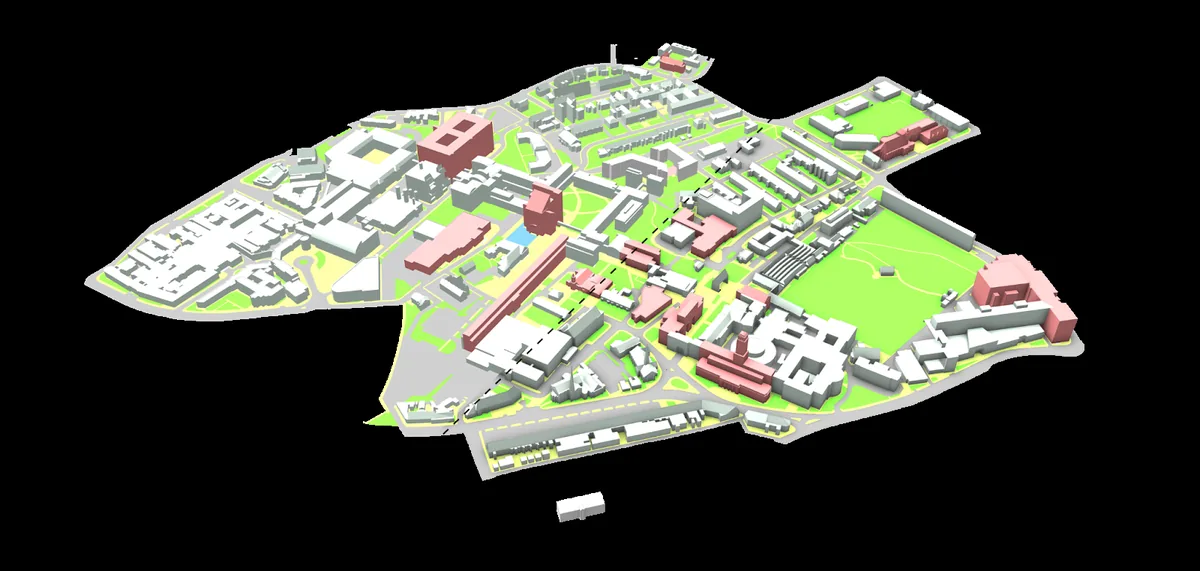
Mac requirements: Apple silicon, Intel and memory
A current Apple silicon Mac is the clearest long-term choice for SketchUp 2026. Match the macOS version to SketchUp's current support list, keep free SSD capacity and install maintenance updates before troubleshooting crashes. Older Intel Macs may be usable only when their macOS release and graphics hardware remain supported.
Unified memory is shared by the CPU and GPU. A base configuration can handle learning and modest models, but 16 GB is the safer purchase point and 24–32 GB gives more headroom for LayOut, textures, browser tabs and rendering tools. Because memory usually cannot be upgraded later, buy for the projects you expect to handle.
- Prefer Apple silicon for a new workstation.
- Choose at least 16 GB unified memory for regular professional work.
- Verify the exact macOS release on the official support page.
- Check extension compatibility before moving an Intel workflow.
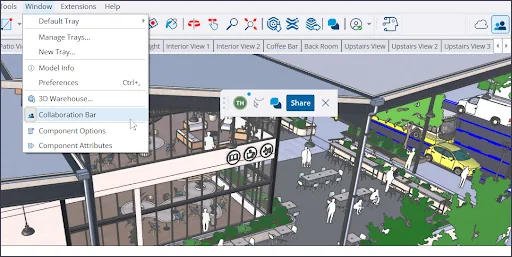
GPU, model complexity and performance
SketchUp's viewport uses hardware-accelerated graphics. A useful GPU must support the required features, have stable drivers and provide enough memory for displays, textures and model complexity. Integrated graphics can serve education and light modeling; large professional models, multiple high-resolution monitors and real-time rendering benefit from a discrete GPU.
Poor performance is often a model-management issue. Purge unused components and materials, control imported CAD geometry, use sensible texture sizes, hide distant detail while editing and enable expensive shadows or styles only when needed. A clean model on midrange hardware may outperform a disorganized model on a premium workstation.
- Install vendor graphics drivers instead of a generic driver.
- Use a discrete GPU for complex models and real-time rendering.
- Reduce texture size and hidden geometry before replacing hardware.
- Test essential renderers against the exact SketchUp release.
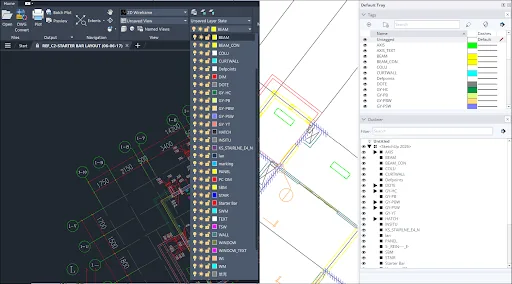
SketchUp for Web, Chromebook and Linux
SketchUp for Web is the supported alternative when a desktop installer is unavailable. It needs a modern browser, hardware acceleration, a reliable connection and enough local memory for the model. It is especially relevant for Chromebook and Linux users who do not want to depend on Wine or an unsupported virtual machine.
The browser edition is not a replacement for every Pro workflow. Confirm whether you need desktop extensions, advanced import and export formats, LayOut or managed licensing. For personal modeling, learning and ordinary SKP files, the web route avoids a large installer and reduces operating-system compatibility concerns.
- Enable browser hardware acceleration.
- Use a current supported browser.
- Expect feature and extension differences from Pro desktop.
- Export or cloud-save important work regularly.
Check your computer before downloading
On Windows, open Settings > System > About for the operating system, processor and RAM, then use Task Manager or Device Manager to identify the GPU. On macOS, open About This Mac and System Information to check the chip, memory, macOS version and graphics details. Compare those facts with the official requirements, not an old third-party minimum.
Verify free disk space, update the graphics driver or macOS, and list the extensions your workflow requires. If the machine is close to minimum, use the official trial with a representative project before buying a subscription or new hardware. This reveals viewport, save, export and LayOut performance better than specifications alone.
- Record OS, CPU or chip, RAM, GPU and free SSD space.
- Update the operating system and graphics driver.
- Check plugin and renderer support for SketchUp 2026.
- Test a real project during the official trial.
Planning baseline vs recommended setup
Support requirements change. Use this table for purchasing and troubleshooting, then confirm exact operating-system versions on the official page.
| Component | Small models / learning | Regular professional work | Large models / rendering |
|---|---|---|---|
| Memory | 8 GB | 16 GB | 32 GB+ |
| Storage | SSD, 5 GB free | SSD, 20 GB working space | Fast SSD with ample project space |
| Graphics | Supported integrated GPU | Modern GPU with current driver | Discrete GPU with generous VRAM |
| Processor | Recent 4-core class | Fast recent multi-core | High-clock CPU plus renderer-appropriate cores |
| Best fit | Learning and small interiors | Typical architecture and design | Large sites, complex imports and visualization |
SketchUp system requirements FAQ
Is 8 GB RAM enough for SketchUp?
It can handle learning and small models, but 16 GB is a more practical baseline. Large models, LayOut and rendering extensions often justify 32 GB or more.
Does SketchUp need a dedicated graphics card?
Not for every project. Modern integrated graphics can handle light work, while complex geometry, large textures, multiple displays and rendering benefit from a supported discrete GPU.
Can SketchUp run on a Chromebook?
Use SketchUp for Web in a supported browser. The Windows and macOS desktop installers do not install natively on ChromeOS.
Does SketchUp run on Linux?
There is no supported native Linux desktop installer. The browser edition is the safer supported option; Wine and virtual machines can introduce graphics, licensing and update problems.
Is SketchUp more dependent on CPU or GPU?
Interactive modeling needs strong CPU responsiveness and stable accelerated graphics. Rendering extensions may favor CPU cores or GPU power depending on the renderer.
How much storage does SketchUp need?
The application needs several gigabytes, while projects, components, textures, temporary files and installers need more. Keep at least 20 GB of working space on an SSD for a smoother workflow.
Official sources checked
We verify download and support details against first-party SketchUp and Trimble pages. External sources open in a new tab.
- SketchUp hardware and software requirements — official supported systems and hardware guidance
- SketchUp downloads — official current desktop installer source
- SketchUp release notes — official desktop release history