
Can you still download SketchUp Viewer?
Yes on iPhone and iPad, but not as a new standalone desktop download. Apple lists version 8.2.1, 734.2 MB, requiring iOS or iPadOS 18.6 or later.
SketchUp removed new Viewer for Desktop downloads on April 22, 2025. Support for existing Windows and Mac installations ended on August 21, 2026, so an old mirror file is not a current official download.
For reviewing an SKP file, SketchUp Free in a browser, 3D Warehouse previews and a current SketchUp trial are safer than archived Viewer executables.
Viewer for Desktop: download removed, support ending
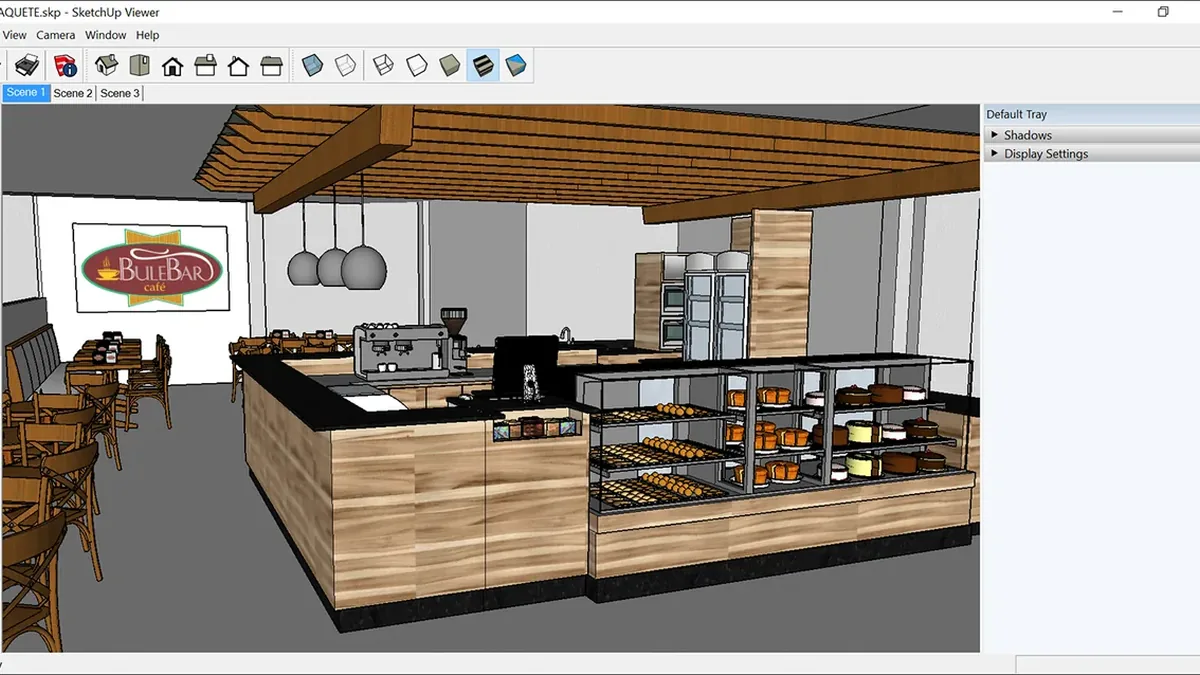
Viewer for Desktop was the read-only Windows and Mac app for opening SKP files, changing scenes, measuring geometry and reviewing styles. SketchUp removed the installer on April 22, 2025.
Support for existing installations ended on August 21, 2026. There are no further fixes or compatibility work, so a site advertising a fresh desktop viewer should be treated as stale or unofficial.
- Avoid EXE or DMG mirrors without a first-party source.
- Keep important models and textures backed up.
Current iPhone and iPad download
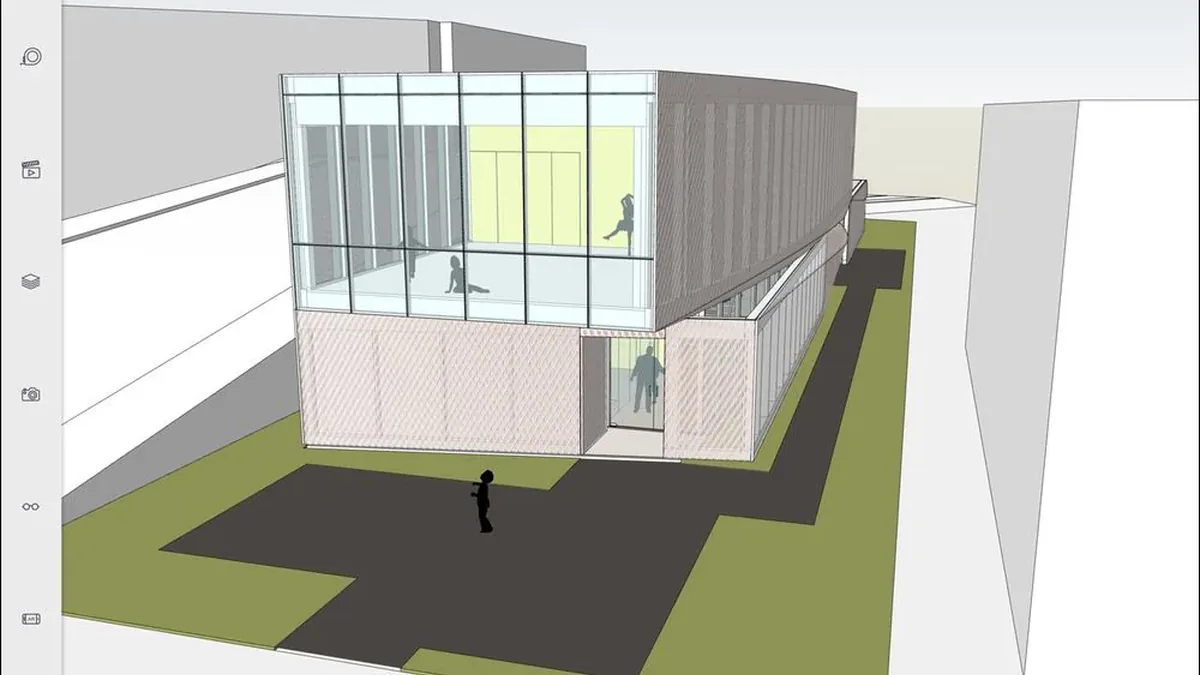
The current verifiable download is the Apple app for iPhone and iPad. On July 20, 2026 the listing shows version 8.2.1, 734.2 MB and iOS or iPadOS 18.6 or later.
The mobile experience supports model review and presentation. Some cloud, collaboration or advanced features can require an account, subscription or in-app purchase; a free download does not make every SketchUp feature free.
- Confirm the publisher is Trimble Inc.
- Check OS version and storage before download.
Android and Meta Quest are no longer current
SketchUp ended Android Viewer support on August 29, 2025. Archived APK sites are not a supported distribution channel and bypass normal store update and integrity checks.
Viewer for Meta Quest reached end of support on July 9, 2026, was removed from the store and no longer functions. Older HoloLens and VR viewers had already reached end of life.
- Do not treat an APK archive as current.
- Plan a replacement for Android or Quest workflows.
Safe alternatives for Windows and Mac
For quick review on Windows, Mac or Chromebook, start with SketchUp Free in a supported browser. It avoids obsolete installers and handles many basic open, orbit, inspect and edit tasks.
Use a current SketchUp trial or license when you need large-model performance, extensions, LayOut, reliable conversion or production support. 3D Warehouse can preview library models before download.
- Use SketchUp Free for lightweight browser review.
- Use current desktop SketchUp for editing and plugins.
How to open an SKP file safely
Keep the original SKP untouched and work from a duplicate. Identify the version that saved it, open the copy in a current official product, inspect textures and scenes, then save conversions under a new name.
For visual approval, ask the model owner for PDF, PNG, animation or an approved cloud link. Confirm storage rules before uploading confidential models to any service.
- Preserve the original SKP file.
- Never enter credentials on an imitation download page.
Which viewing option should you choose?
Choose by task rather than by the word viewer. iPhone and iPad suit mobile presentation; the browser suits quick access; current desktop SketchUp suits editing, plugins and professional work.
Discontinued products may still appear in search results, but they are not equal choices in 2026. Prefer a supported workflow with a traceable publisher and update path.
- Quick look: browser or shared export.
- Mobile presentation: current Apple app.
SketchUp Viewer platform status in 2026
Current verified options and discontinued products should not be mixed together.
| Platform | Status | Official route | Best use | Limit |
|---|---|---|---|---|
| iPhone / iPad | Current | Apple App Store | Mobile review | 8.2.1; iOS/iPadOS 18.6+ |
| Windows / Mac Viewer | Download removed | No current installer | Existing legacy installs | Support ended August 21, 2026 |
| Android Viewer | Support ended | No supported APK | Migration only | Ended August 29, 2025 |
| Meta Quest Viewer | Ended | Removed from store | None | No longer functions |
| SketchUp Free Web | Current | app.sketchup.com | Browser review | Account and feature limits |
| Current SketchUp desktop | Supported | Official download page | Editing and production | License required |
SketchUp Viewer download FAQ
Can I download SketchUp Viewer for Windows in 2026?
Not as a new official download. It was removed on April 22, 2025; existing installations are supported only until August 21, 2026.
Is SketchUp Viewer free?
The current Apple app is free with in-app purchases. SketchUp Free also offers personal browser access, while some features require payment.
Where is the official download?
For iPhone and iPad use the Apple App Store listing from Trimble Inc. There is no current Windows, Mac or Android Viewer installer.
Can I download a Viewer APK?
Android support ended August 29, 2025. Third-party APK mirrors are not recommended.
What opens an SKP without Viewer?
Use SketchUp Free, a current trial or licensed desktop release. PDF, PNG and animation exports can handle visual approval.
Does it work on Chromebook?
The retired desktop viewer is not a ChromeOS app. Use the supported browser workflow if the device meets requirements.
Does the Meta Quest viewer still work?
No. Support ended July 9, 2026 and SketchUp says the app no longer functions.
Official sources checked
We verify download and support details against first-party SketchUp and Trimble pages. External sources open in a new tab.
- SketchUp Viewer for Desktop lifecycle — official desktop removal and support dates
- SketchUp on the Apple App Store — current version, size and compatibility
- Viewer for Android lifecycle — official Android end date
- Viewer for Meta Quest lifecycle — official Quest end date
- SketchUp Free — current browser option